Why your TV picture stutters: A simple setting for a perfect viewing experience
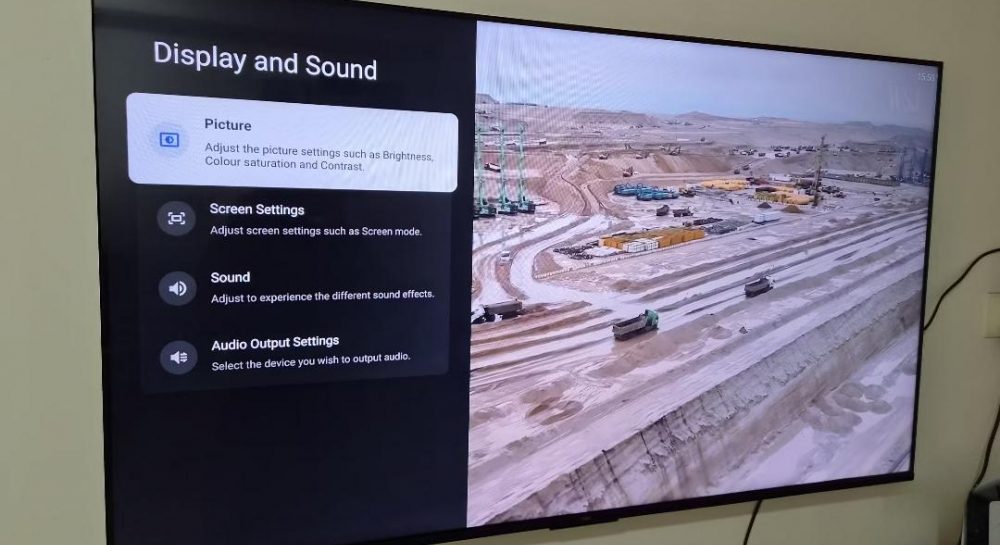
Modern TV owners often face video stuttering due to frame rate mismatches. The issue can be resolved in 30 seconds by adjusting device settings.
 💡Tech
Photo: UNIAN
Key points
- Frame rate mismatch between 24 fps and 60/120Hz causes stuttering
- The Match content frame rate feature resolves the issue
- Filmmaker mode helps preserve original image quality
The cause of micro-stuttering
Many viewers mistakenly assume that image jitter during movies is caused by an unstable internet connection. However, experts note that the real reason lies in the discrepancy between the content's frame rate and the display's settings. Most films are shot at 24 frames per second, while modern TV screens operate at 60Hz or 120Hz refresh rates.
How to configure your TV for smooth playback
Due to the "3:2 pulldown" conversion technology used by TVs to adapt video, an uneven rhythm occurs, which the eye perceives as stuttering. To eliminate this effect, you need to activate the "Match content frame rate" option. Once enabled, the TV automatically adjusts its refresh rate to match the source material.
Experts also recommend enabling "Filmmaker" mode. It avoids aggressive motion smoothing, which often distorts the original image, making it look artificial. These simple steps will significantly improve the quality of your home cinema experience without any additional costs.
Source UNIAN — unian.ua/techno/gadgets/chomu-smikayetsya-zobrazhennya-na-televizor… ↗
Read next
 🛡️Security
Explosions reported in Russia's Krasnodar following drone attack on Rosgvardia facility
A drone attack on Krasnodar overnight on November 22 caused smoke near a military base and forced the local airport to restrict operations.
 🏛️Politics
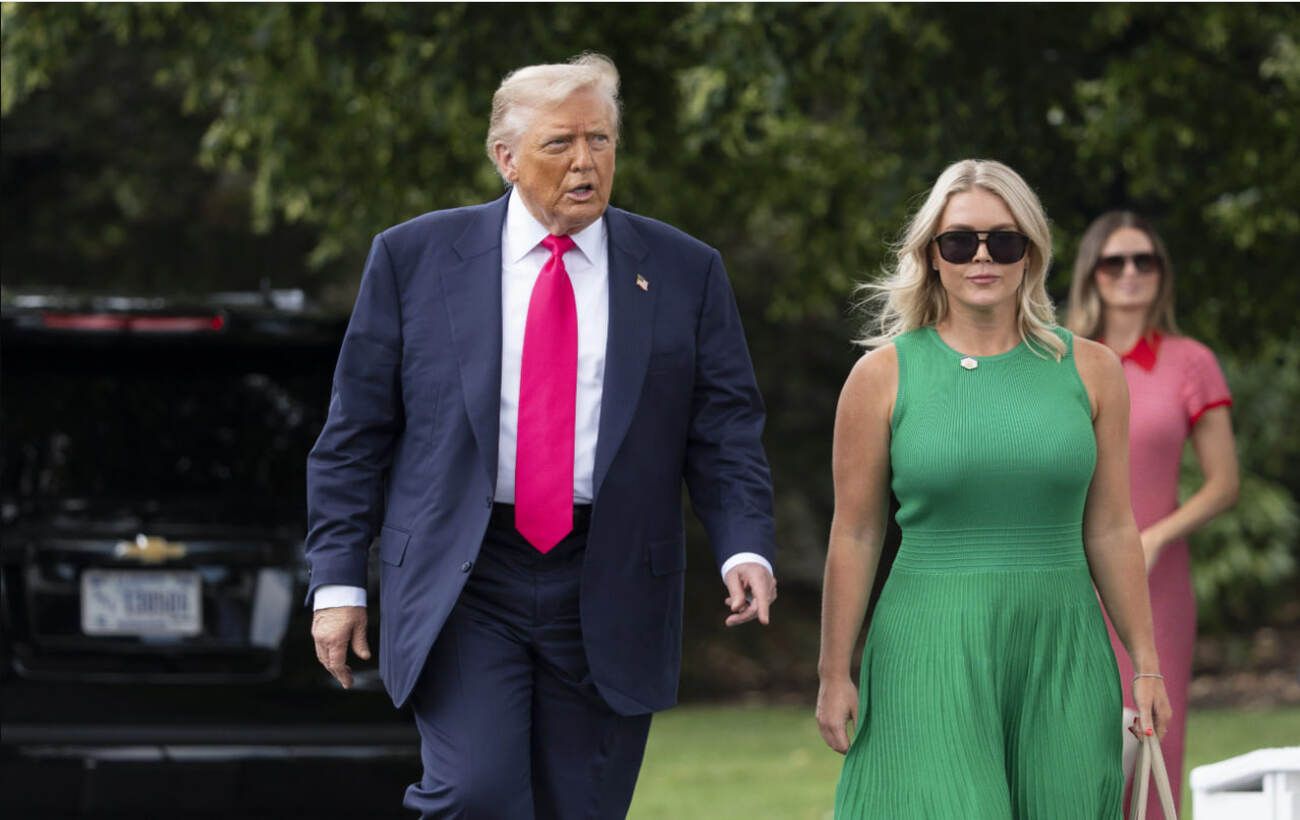
Donald Trump comments on the departure of press secretary Karoline Leavitt
President Donald Trump expressed his regret over the resignation of White House press secretary Karoline Leavitt, who left to focus on her family.
 🎭Culture & Sport
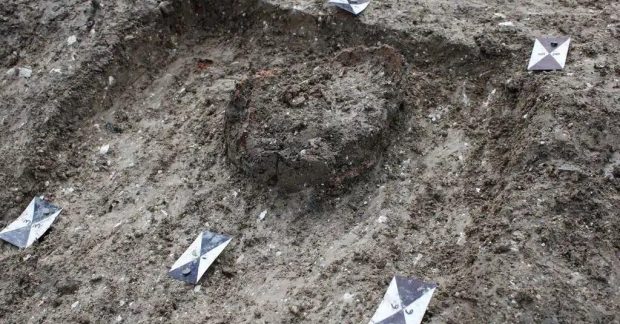
Archaeologists discover unique Roman infant burial in Great Britain
During excavations in Buckinghamshire, researchers found an infant burial in a ceramic vessel, a practice rare for the region, accompanied by ritual offerings.
 🚌Transport
Donald Trump publicly reaffirms friendly relations with Vladimir Putin
US President Donald Trump posted a photo with the Russian leader on social media, captioning it 'My Friend'.
 🚌Transport
SSU Alpha special forces neutralize over 4,300 invaders in one week
The SSU's Alpha Special Operations Center has set a new effectiveness record, eliminating over 4,300 Russian troops in seven days.
 🚌Transport
Russia Admits Logistics Complications Following Crimean Bridge Attacks
The Russian government has officially acknowledged significant transport disruptions to occupied Crimea following a series of successful strikes on the bridge.